When developing a companion AI toy, you can start with one action: a user reaches out to stroke it. How does it respond? Does it keep playing the same sound, or does it show, “I’ve noticed you”?
This brings you closer to an actual interaction than listing features such as chatting and storytelling. What users see, hear, and feel while holding the toy all shape the experience. These details help explain the sense that a toy is alive.
Make the Response Easy to Understand
Imagine you’re designing a small pet. When a hand rests on its head, it turns its head, narrows its eyes, and makes a soft sound. This creates a recognizable connection between touch and the reaction that follows. Users can understand what it is responding to.
If expressions keep playing at random and sounds have no connection to touch, the features may all be present. Yet users may struggle to tell whether the toy has sensed them. When assessing an interaction, look at what the user just did, what feedback the toy gave, and whether the two connect.
A button can also be an appropriate way to start an interaction. What matters is clear feedback after a press and whether that action fits the product’s character and play pattern.
Coordinate Gaze, Sound, and Movement
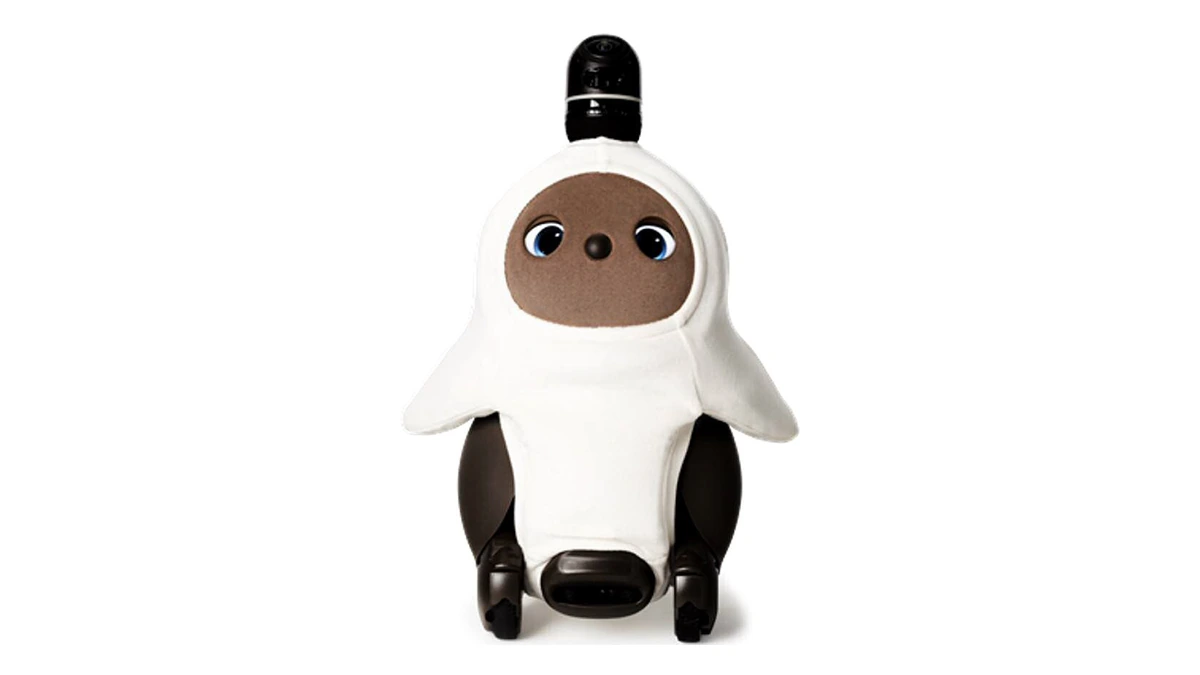
LOVOT, a companion robot developed by Japan’s GROOVE X, offers an example that does not center on spoken conversation. In its coverage of the 2024 China International Import Expo, Xinhua described how it communicates through its gaze, physical contact, and distinctive sounds.
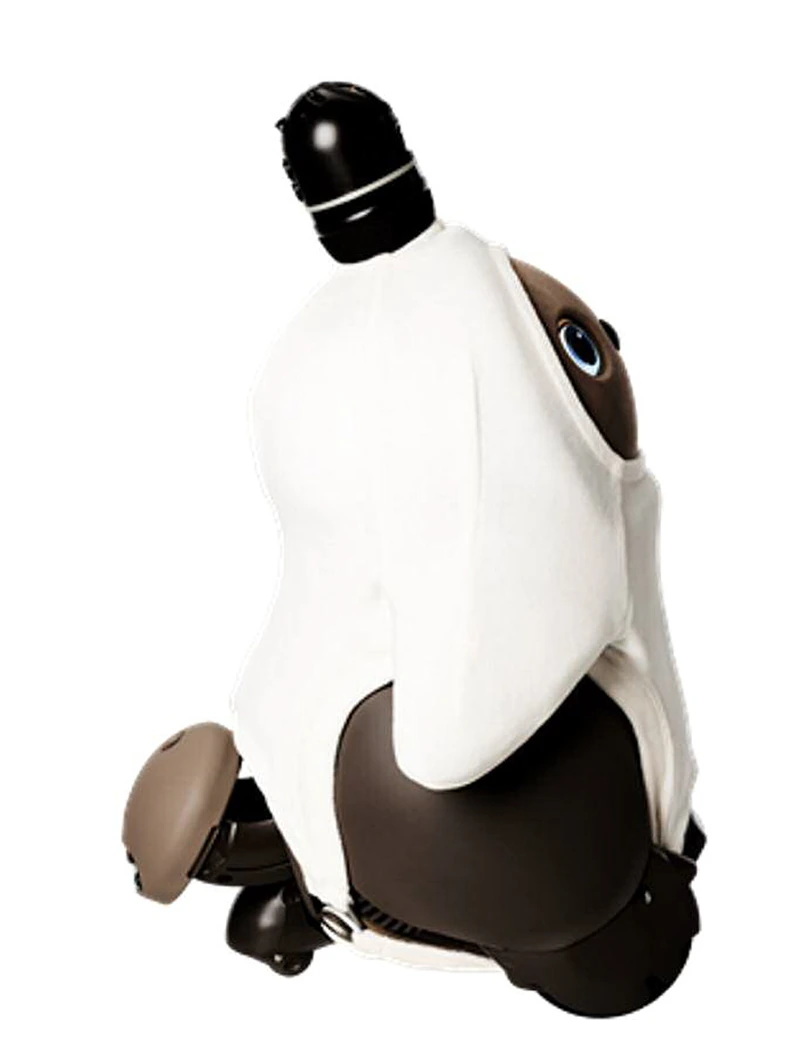
LOVOT’s official technical information describes changes in gaze, blinking, and pupil appearance in version 3.0. Its sounds vary with its own state and the situation. Touch sensors on its body detect stroking, which it responds to with movement.
These features can be considered within a single interaction. Its gaze helps users tell where its attention is directed, while sound and movement make the response noticeable. During development, consider how these elements work together. For a quiet, affectionate pet character, for example, check whether its calls, expressions, and movements fit that personality.
Changes over time add another design consideration. LOVOT says the robot develops its own personality as it learns about its environment and interacts with family members. For product developers, this suggests looking beyond the immediate response to consider whether past interactions affect later behavior.
Bring Interaction Requirements into Physical Design
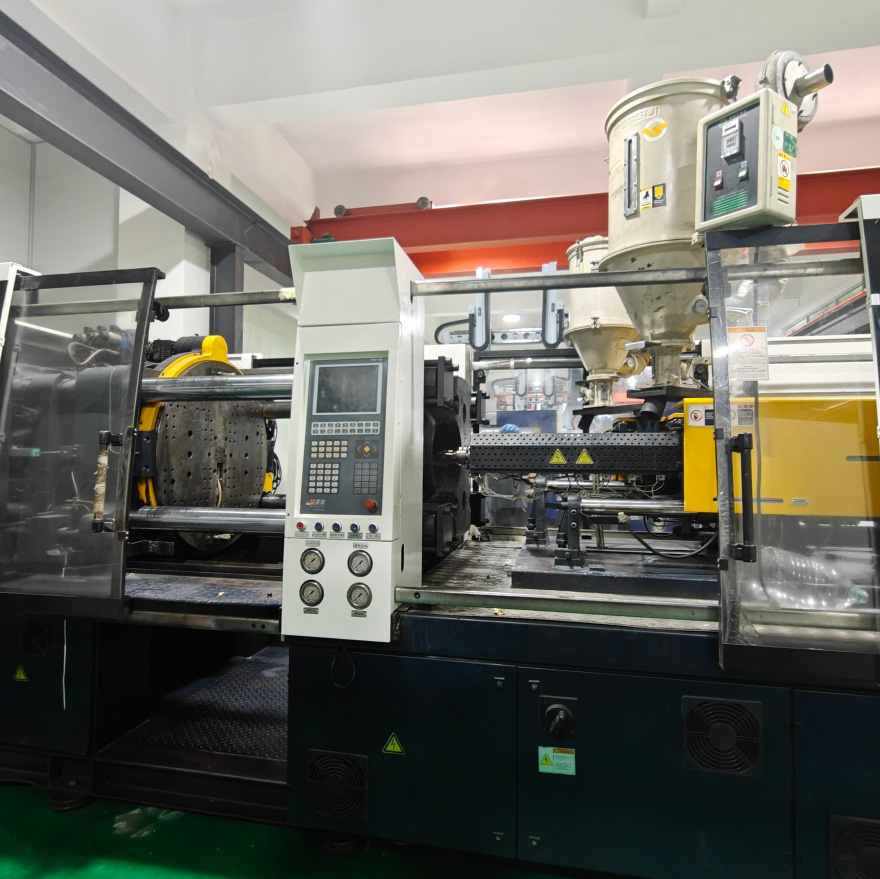
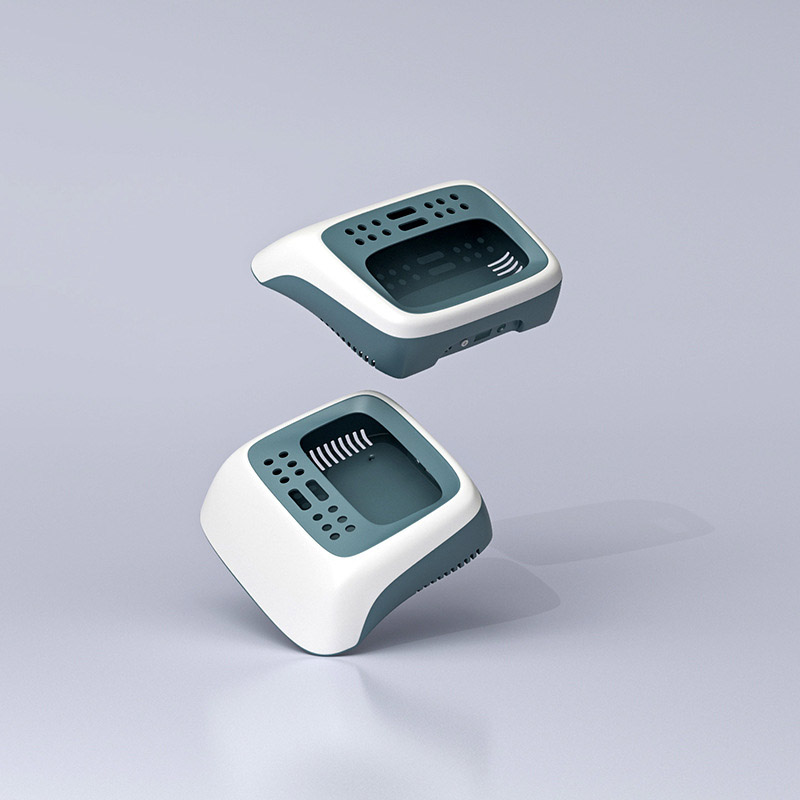
For an injection molding company such as Worldboundgroup, which also handles product design and assembly, these ideas affect how the physical product takes shape.
If users are expected to stroke the head often, consider the intended touch area, surface feel, and sensing method together. If they are expected to pick it up, check the prototype in use. Look at how they hold it, where it touches their body, and whether its expressions remain visible.
The way the housing is divided into parts and assembled also needs to support these actions. For example, a physical prototype can reveal a prominent seam where a hand often rests, or a shape that obscures the display. The structure can then be adjusted based on what you observe.
When starting a prototype, choose one interaction you most want to achieve. Describe what the user does and how the toy responds. Then bring the shape, materials, sensing, and feedback together to make it happen. This gives the sense of companionship concrete details that you can observe and improve.